
Case Study: The CRM That Fills Itself In
An operations layer that turns client calls into CRM entries, follow-up tasks, and meeting prep — with no one typing a note.
Case Study
The problem every client-facing firm knows
Your team talks to clients all day: calls and video meetings, texts and email. Each of those conversations is supposed to end with a summary in the CRM and follow-up tasks assigned to whoever owns them, so the next person to touch the account isn’t starting from zero.
In practice, the write-up is the first thing to go. It’s work that lands right when the team wants to move on to the next call. The CRM lags reality by days. Follow-ups live in someone’s memory until they don’t. Preparing for the next meeting means digging back through scattered notes and open tabs.
What we built
An operations layer that sits behind the tools the team already uses: calls and video meetings, transcription, the CRM, task management, document storage, team chat. When a conversation ends, it does the after-work:
• Gets the transcript
• Writes the summary
• Logs what the team committed to and what the client committed to
• Identifies which client the conversation belongs to
• Logs the activity in the CRM
• Creates follow-up tasks in the right project, assigned to the right person
Nobody types a note or clicks anything. It runs in the minutes after the call ends.
The same data is reused two more ways: staff can ask questions about any client in chat and get an answer back, and the system generates a full meeting prep document on demand or automatically ahead of a booked meeting.
Before and after
Writing up a call
Before: From memory, later that day — 5–15 minutes, often skipped
After: This is a flexible section where you can share anything you want. It could be details or some information about feature one.
Logging it to the CRM
Before: Manual, frequently missing or days late
After: Zero touch
Creating follow-up tasks
Before: Manual, if remembered at all
After: Zero touch, into the right project
Team vs. client commitments
Before: Held in one person’s head
After: Two explicit lists, each assigned
Preparing for a meeting
Before: 15–30 minutes of digging across several systems
After: One click, or scheduled ahead of the meeting
“What’s the latest with this client?”
Before: Interrupt a colleague, or go hunting
After: Ask in chat, answered in seconds
The team’s job moved from remembering to record what happened to reviewing what was already recorded.
Results
Figures are from the live system as of August 2026, from production use.
What it does:
900
verified conversation events received and processed
46
meeting prep documents generated
81
calls and meetings summarised and logged automatically
132
client questions answered in chat, self-serve
Time given back
Using conservative estimates for the manual equivalents: 10 minutes for a write-up and log, 20 minutes for meeting prep, 5 minutes per ad-hoc question.
Conversations logged automatically
Time recovered: 13.5 hours
Meeting prep documents generated
Time recovered: 15 hours
Questions self-served in chat
Time recovered: 11 hours
Total so far
40 hours
The result that’s harder to put a number on
The CRM is now a complete record rather than a partial one, since logging no longer depends on anyone’s discipline. Ask what happened with a client and the answer is complete.
What it took to build:
12 weeks
from first line of code to production
8 platforms
integrated end to end
Multiple AI assistants
each tuneable by the team without a developer
The parts that were hard
Automating a summary is the easy half. The rest of the work makes the system trustworthy enough to rely on.
It refuses to guess. Logging a call against the wrong client is worse than skipping the log entirely. When a phone number or email address doesn’t resolve to one confident match, the system stops. The item waits in a review queue and an alert goes to chat. A human picks the right person once.
And then it remembers. That decision becomes a permanent rule. The next time the same ambiguity appears — the same household, the same shared number — it resolves on its own.
It never double-logs. Notification systems fire twice. Networks drop mid-request. Everything retries. The system tracks how far each conversation got, so a retry resumes from that point instead of starting over. A call is never logged twice.
It keeps the noise out. Hang-ups, wrong numbers, and personal calls all produce transcripts too. Every conversation is graded as business or non-business before delivery, so the CRM stays clean.
It copes when the recording isn’t ready. Platforms often announce a call has ended before the recording finishes processing. The system waits and retries, and it has a backup path to a transcript: the platform’s own if it exists, or a direct transcription otherwise.
A degraded document beats no document. Meeting prep pulls from several systems at once. If one is down, that section is marked unavailable and the document still arrives.
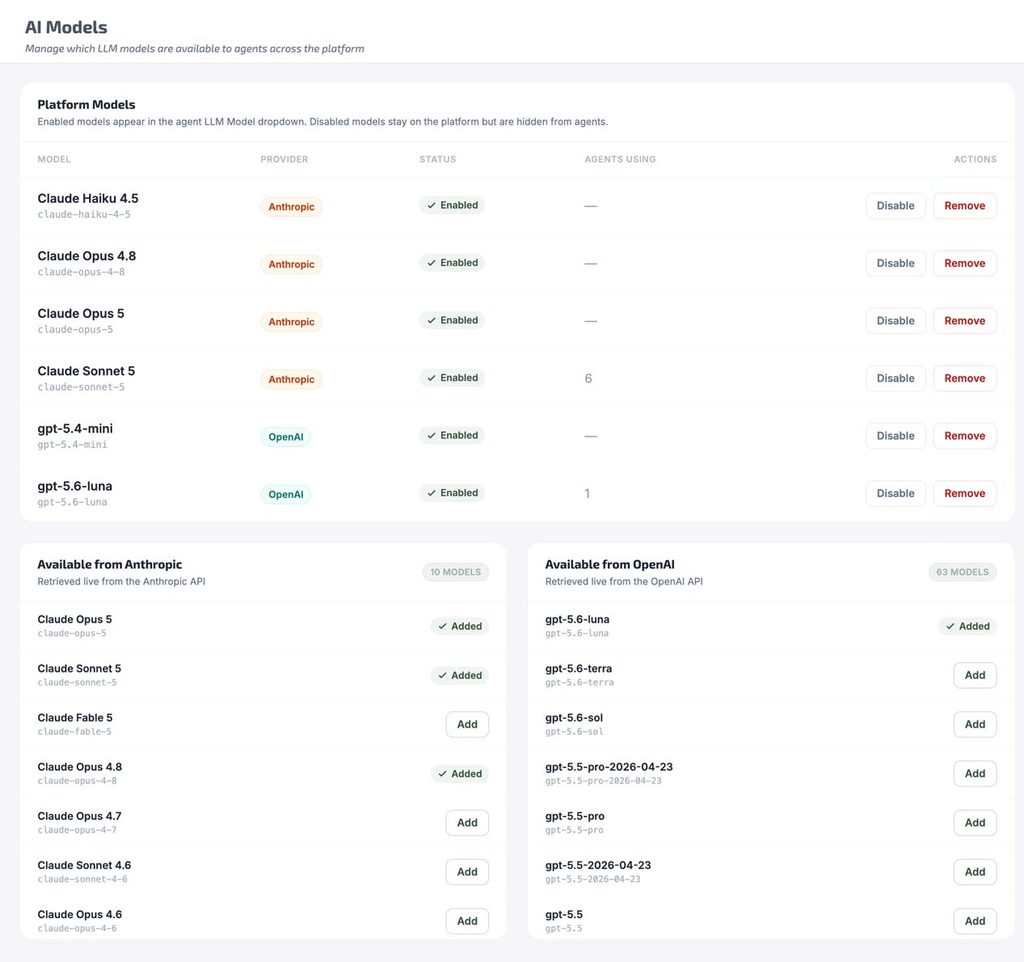
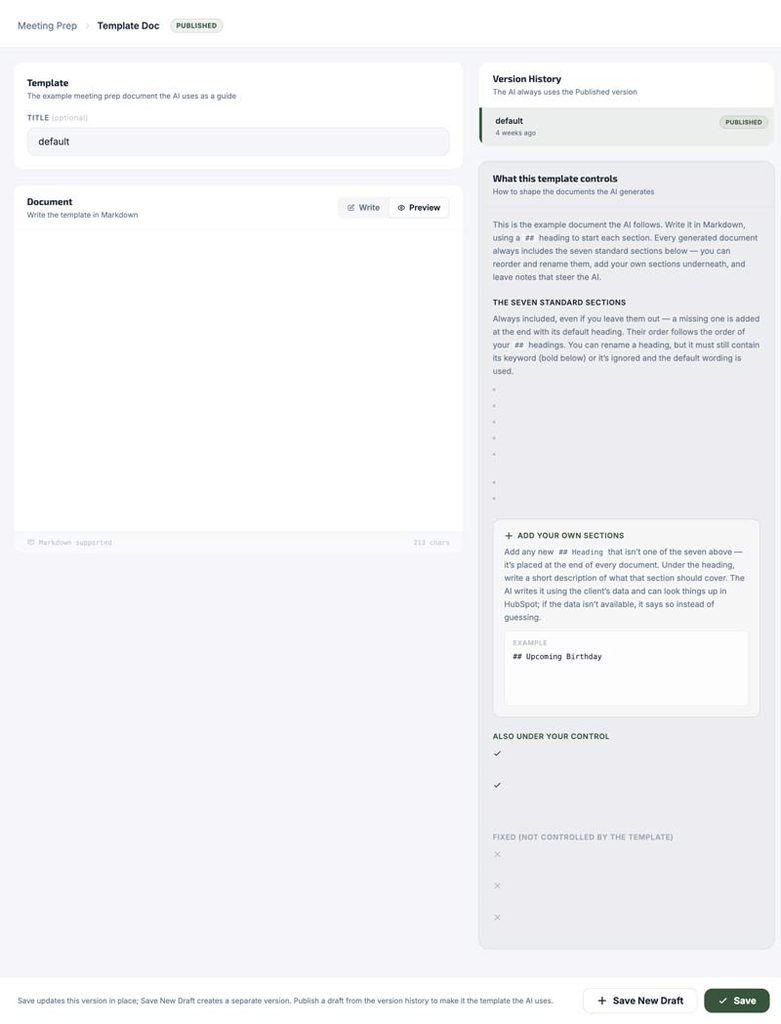
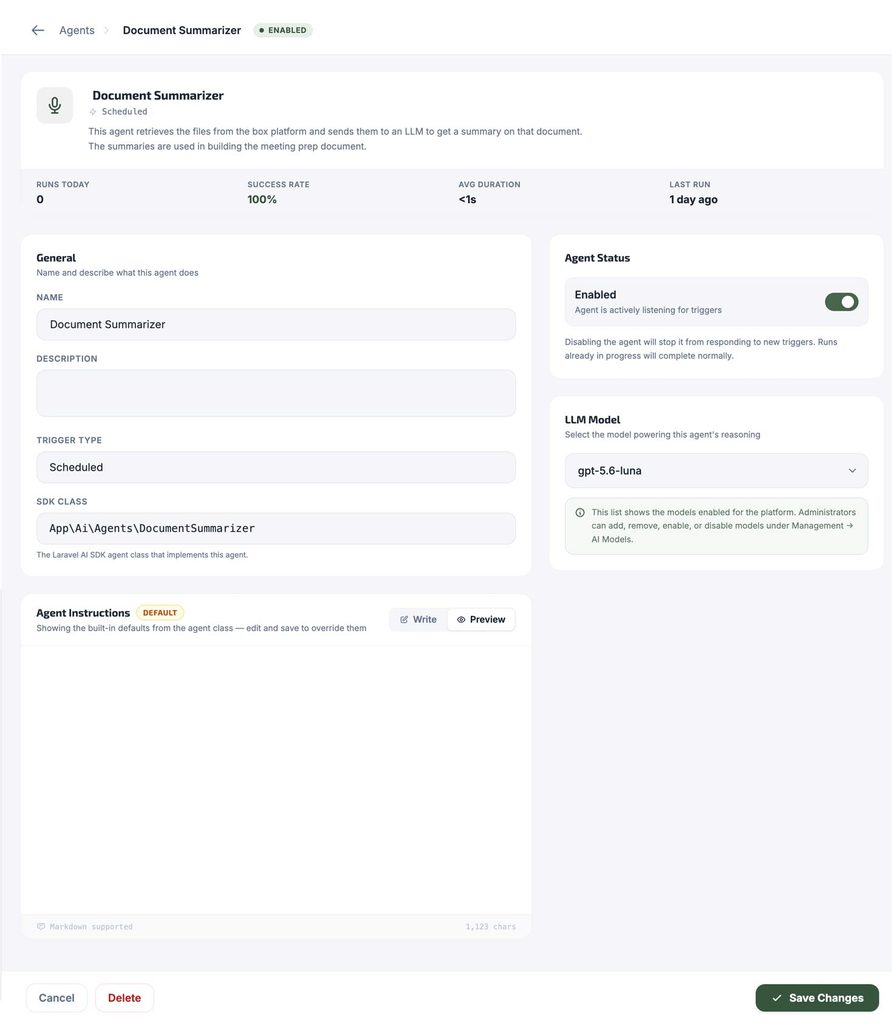
The team can change how it thinks. Every AI assistant’s instructions live in an admin screen rather than in code. Adjusting how a summary is written, or moving to a newer model, is a form submission.
What it looks like day to day
The call ends. Nothing else happens — no form, no note, no reminder. Within a few minutes the summary is on the client’s record and the follow-ups are in the task board, split between the team’s commitments and the client’s.
Before the next meeting, the prep document is already there, on the client record or delivered in chat: recent calls and meetings, notes, changed documents, open and completed tasks, written up as a narrative.
In between, anyone can ask in chat what’s going on with a client. An assistant reads across the CRM and the task board and answers in the channel within seconds. A second assistant handles the same kind of lookup for client tax documents.
The shape of it
The operations layer treats the conversation as the source of truth. Every other system — CRM, task board, document library — stays current without anyone having to update it by hand.
The engineering effort went into the parts nobody sees: retries that don’t double-log, verification before anything is delivered, and a review queue that asks instead of guessing. That’s what makes the visible output — a filed summary, an assigned task, an answered question — something the team can trust without checking.